LiveUI/UX
Doodle AI
An AI app that turns photos into hand-drawn doodle avatars.
- Role
- UI & landing page design
- Client
- TypeThink AI
- Tags
- AI generation, Landing page, Product UI
Problem
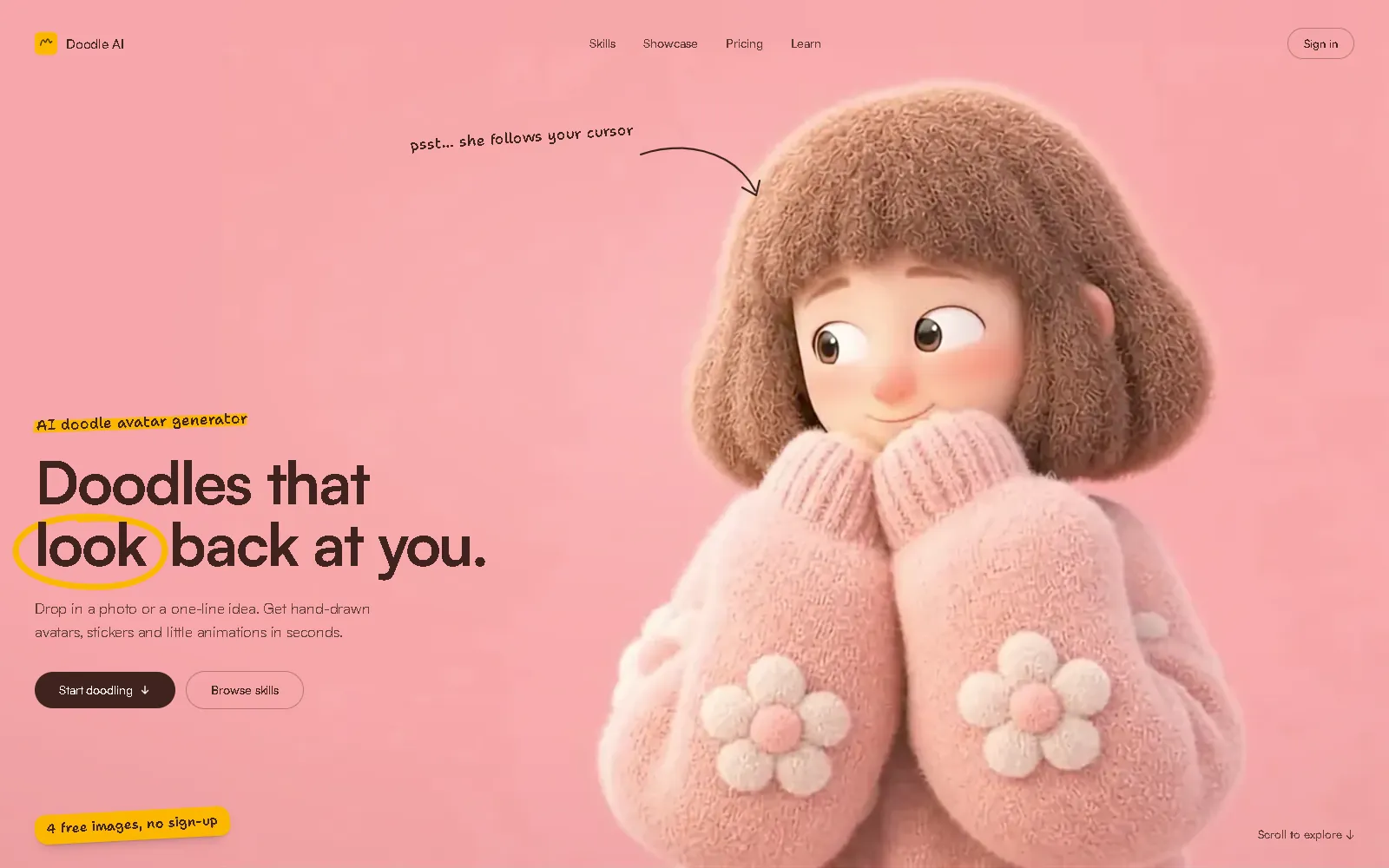
Most people can't draw a doodle of themselves. Doodle AI turns a photo or a one-line idea into hand-drawn avatars, stickers and short animations, and the landing page has to make that clear in seconds and get people to try it.
What I built
The UI and the landing page design, for TypeThink AI. The AI generation, the backend and the product itself are TypeThink AI's.
How it works
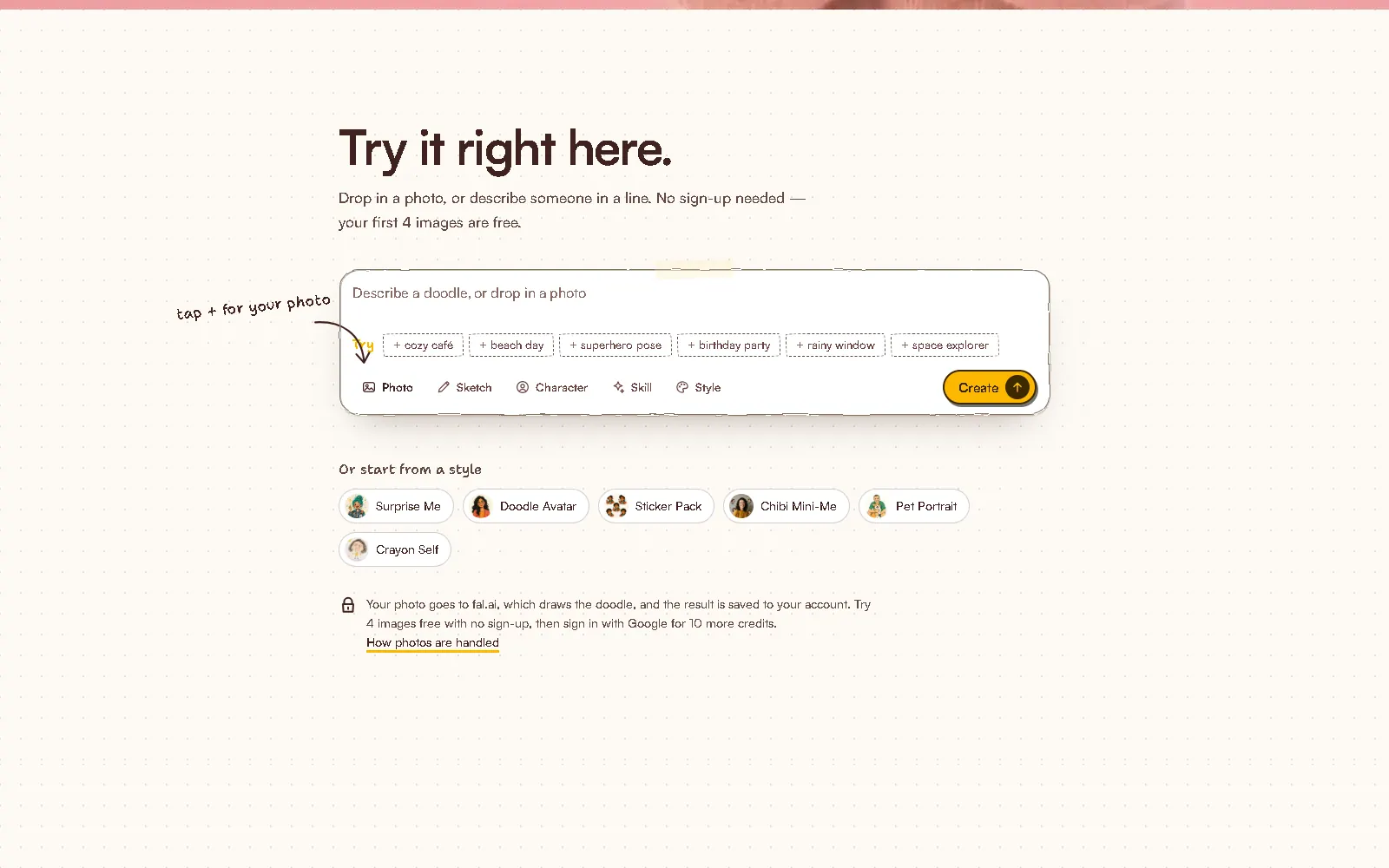
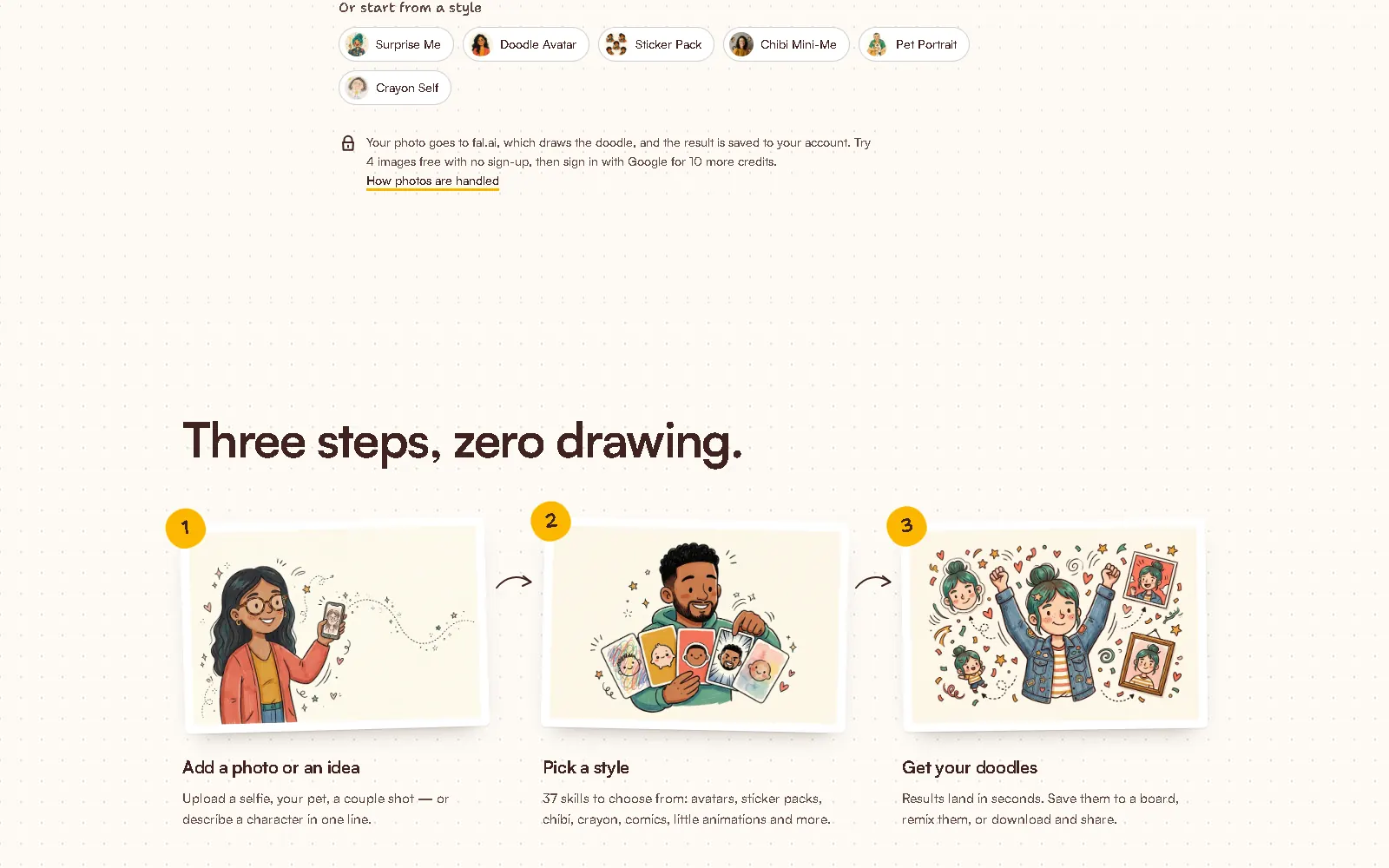
- A try-it box sits on the landing page: drop in a photo or describe someone, with the first 4 images free and no sign-up.
- Pick a style, or skill: avatars, sticker packs, chibi, crayon, comics and short animations.
- Results arrive in seconds and can be saved to a board, remixed or downloaded.
- Before-and-after sliders, a sticker sheet made from one photo and animated doodles show real results.
Key decisions
- The product works on the landing page itself, so the first doodle needs no account.
- A warm, hand-drawn look: soft pink, cream and dark brown, a 3D character in the hero and doodled underlines.
- Where photos go and what's free is explained right next to the upload.
- Sections are organised by use (profile pictures, gifts and cards, chat stickers, teams) rather than by feature.
Where it stands
Live. Visitors get 4 free images without an account and 10 more credits after signing in with Google. Checkout is still in testing.