LiveUI/UX
PicX Studio
An AI photo and video generator, designed around one prompt box.
- Role
- UI design
- Tags
- AI generation, Product UI, Web app
Problem
PicX Studio brings many image, video and audio models into one place. The interface has to make that range feel simple: describe what you want and get a photo or a video, without first learning which model does what.
What I built
The UI design. The models, the backend and the product belong to PicX Studio.
How it works
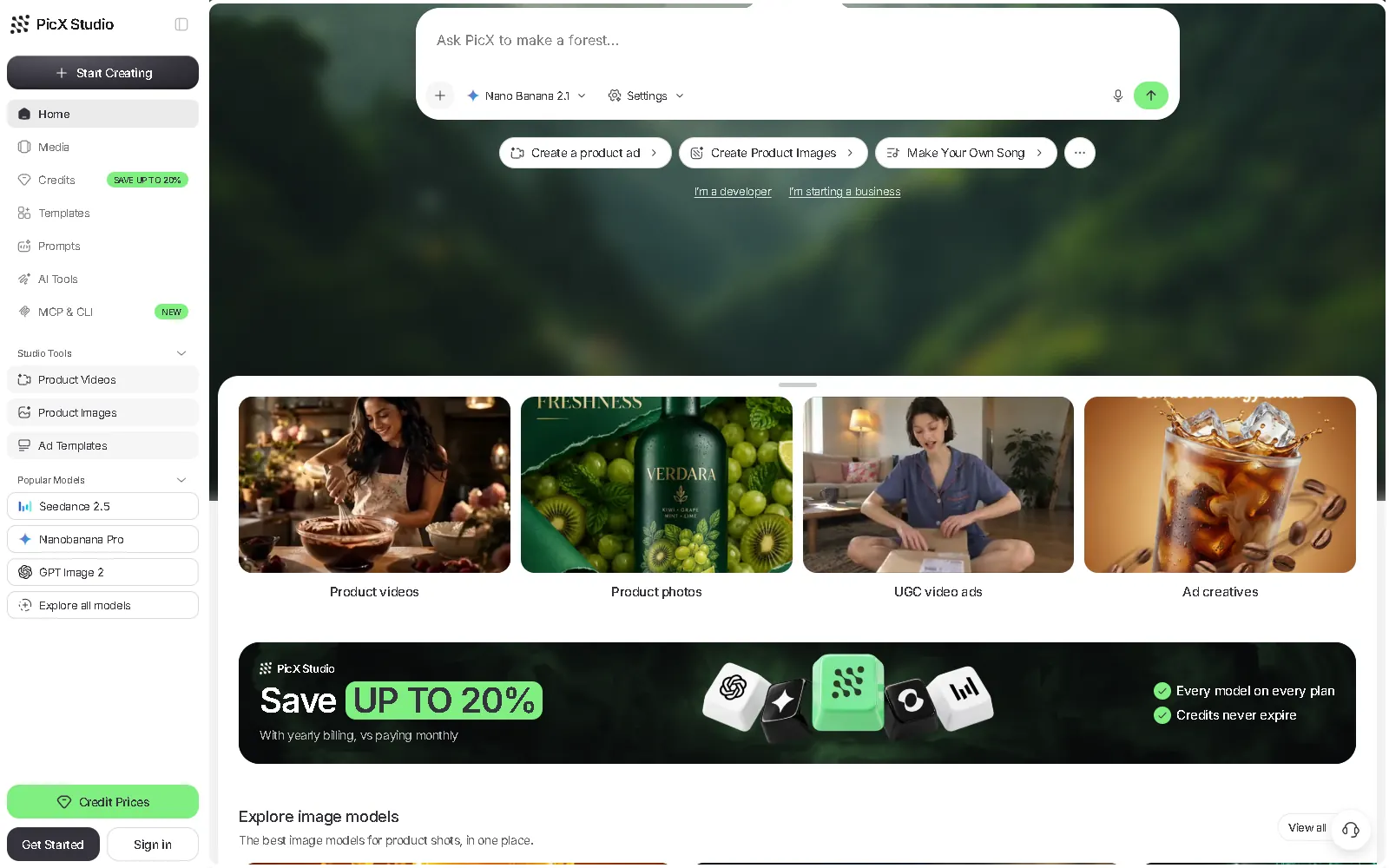
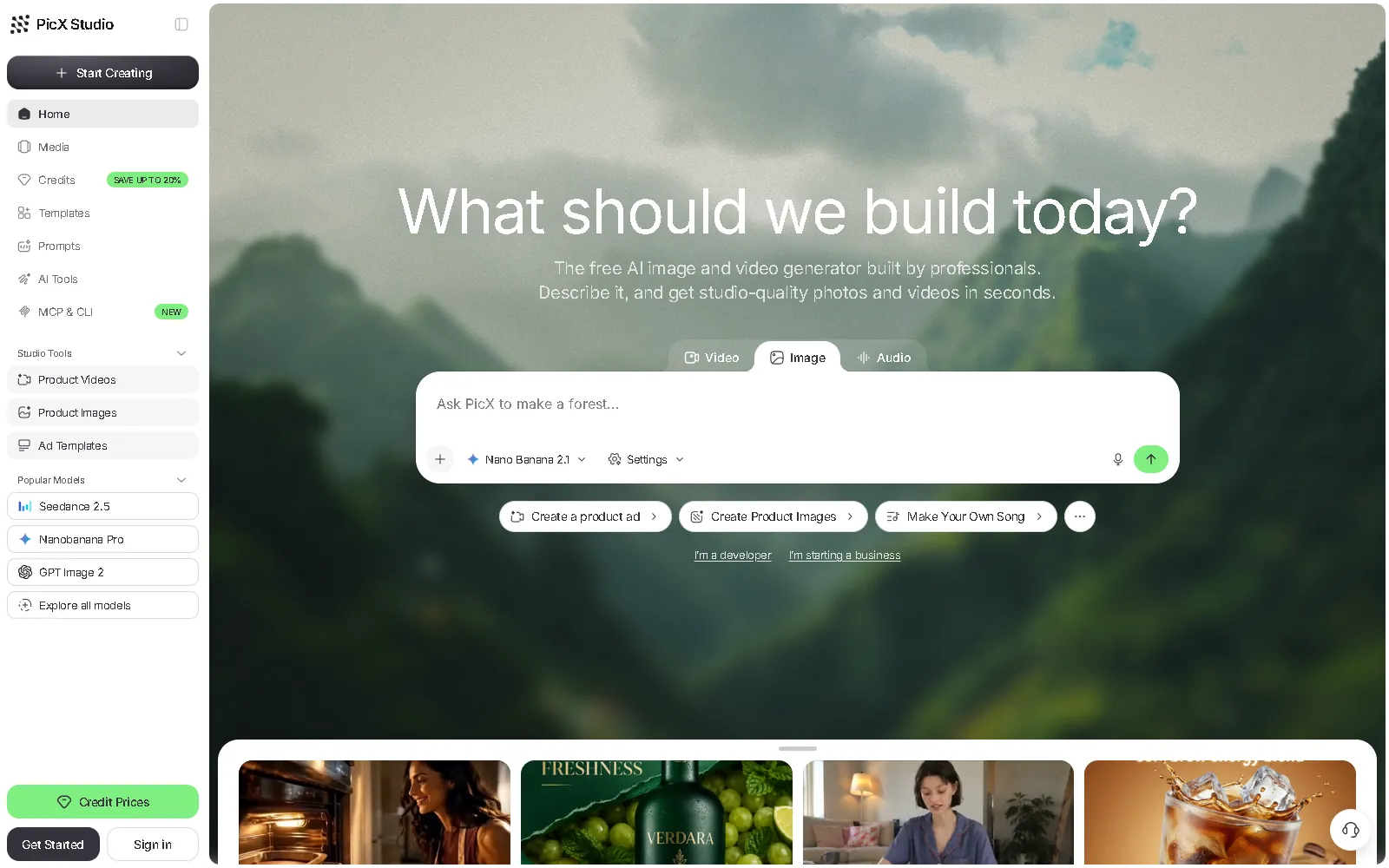
- One prompt box on the home screen, with Video, Image and Audio modes and a model picker inside it.
- Quick-start chips for common jobs, like a product ad, product images or a song.
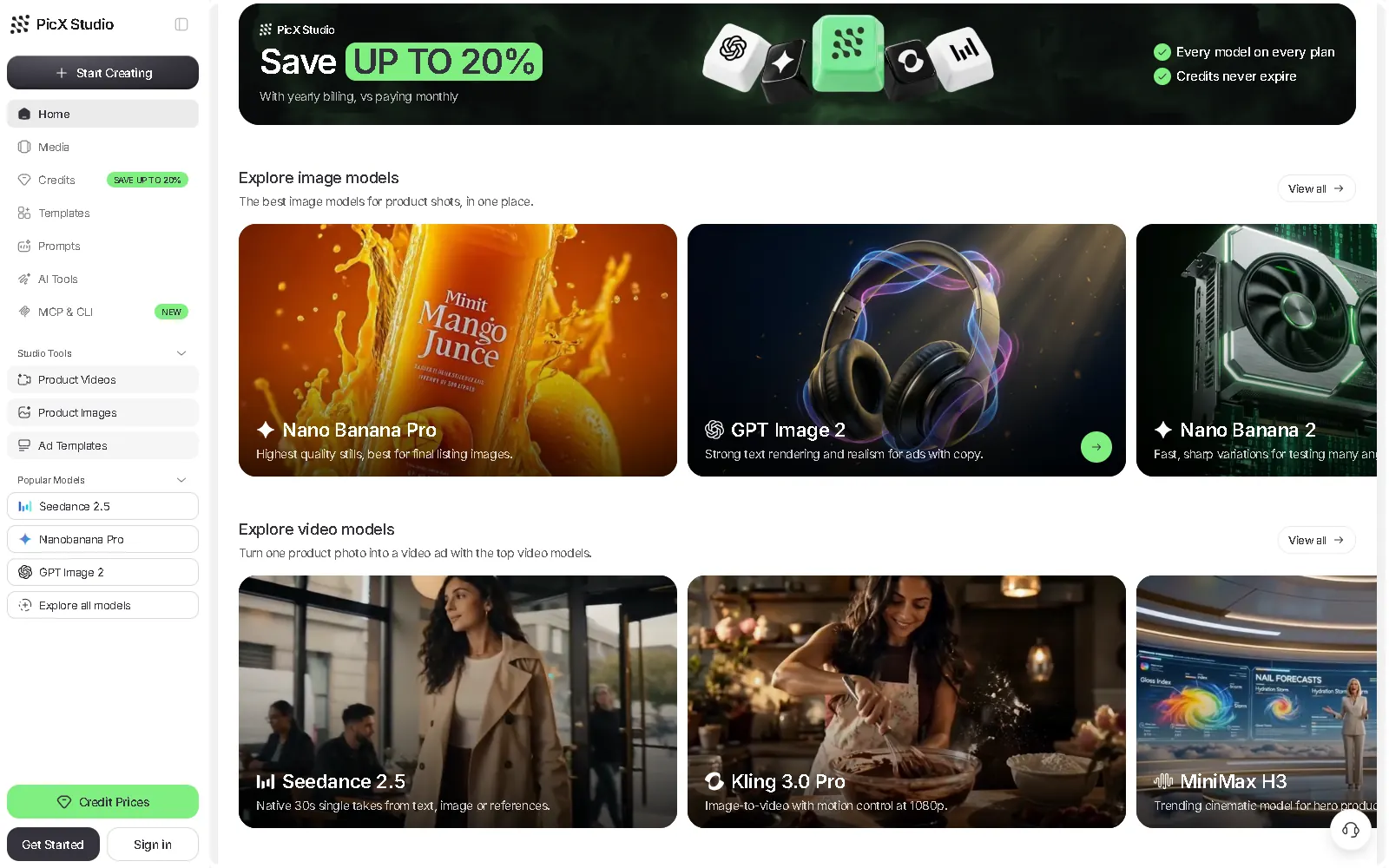
- Rows for exploring image and video models, each card saying what that model is best at.
- A sidebar on desktop and a bottom tab bar on phones: Home, Templates, Create, Library and Profile.
Key decisions
- Prompt first: the home screen opens on “What should we build today?” rather than a gallery.
- The model choice lives inside the prompt box, so newcomers can ignore it and experts can switch.
- Models are described by what they are good for, not by technical specs.
- A central Create button in the mobile tab bar keeps the main action one tap away.
Where it stands
Live, with monthly and yearly plans (up to 20% off yearly). Every plan includes every model, and credits never expire.